
EXPERT GUIDE · LEARNER HELP
Where Do Learners Go When They Need Help With a Course?
A question about a lesson, a file that will not open and a registration request need clear directions. Build those directions around the help your course actually provides.
For experts preparing a course and its learner instructions
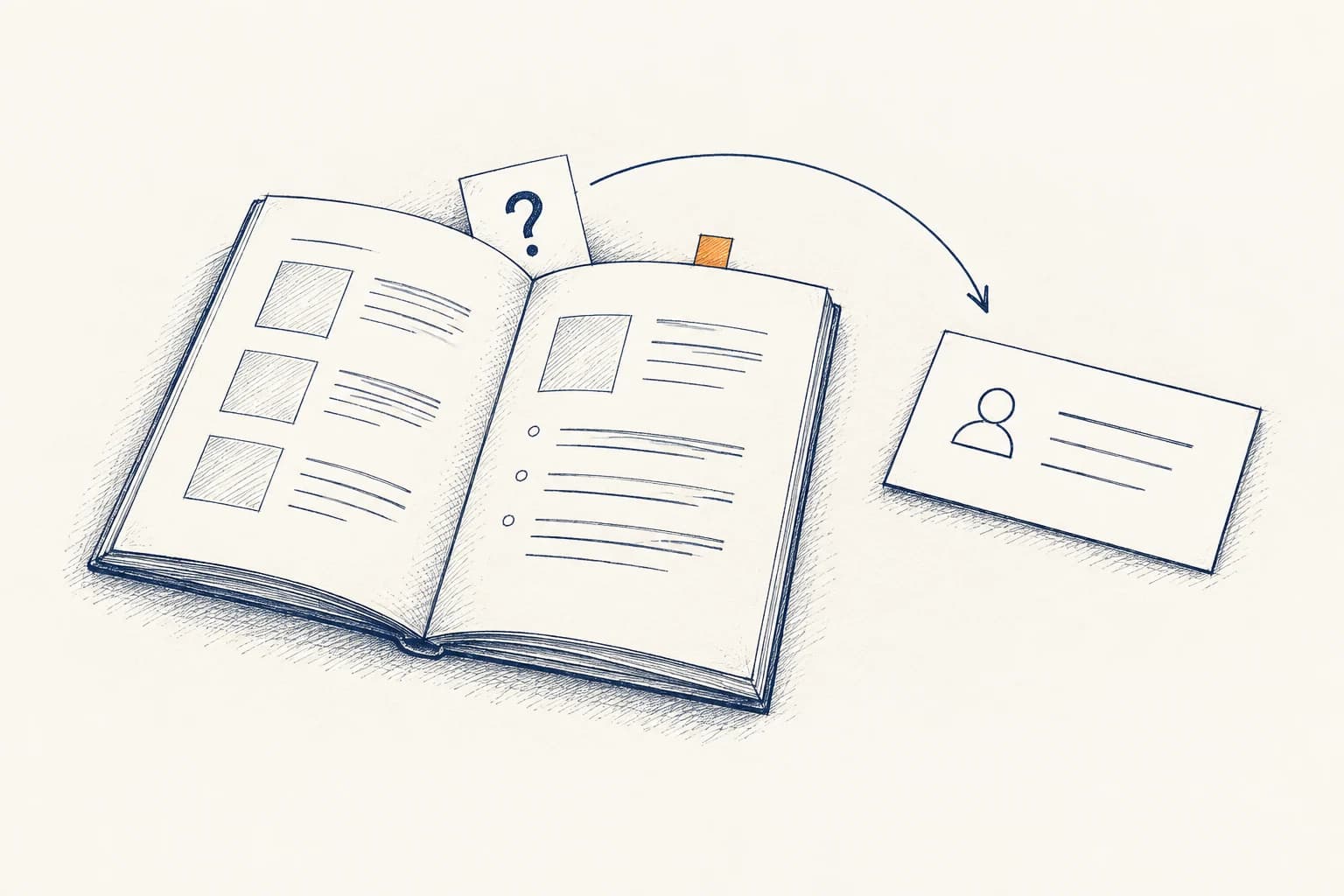
Learners start with the help instructions provided for their course: the contact details, guidance or support page that tells them where to ask. There is no single destination for every course or every kind of question. The useful answer is the one a learner can find and follow in the course they are taking.
If you are turning your expertise into a course, prepare that answer alongside the lessons. The steps below are our recommendations for doing so. Begin with the questions a learner might bring, then check that the instructions point to help that actually exists.

01 · NAME THE QUESTION
Start with what the learner needs help doing.
“I need help with the course” leaves a lot open. Does the learner need an explanation of a concept? Are they unable to open the material? Are they asking about a registration record? Write down a few plausible questions in the learner’s words before deciding how to describe the help available.
- Understanding the work“Does this activity ask me to describe the problem or recommend a solution?”
- Opening the material“The worksheet link opens an error page. How can I get the file?”
- An administrative request“Where do I ask about the name on my registration?”
These are example questions, not a requirement to create three departments. One person might handle several kinds of help; another course might divide the work. What matters in the instructions is that the learner can identify the appropriate next step without knowing how the course team is organized.

02 · A PLACE TO LOOK
Show where the help information lives.
Give the course introduction or guide a clearly named help section. Use a label a learner can recognize, such as “Help with this course,” and explain what they will find there. Where an activity has particular help instructions, point to them beside that activity.
Carnegie Mellon’s Eberly Center asks syllabus writers to clarify how students contact the instructor or teaching assistant and what email response expectations apply. This supports making communication details explicit. It does not establish a required help-page layout or an office-hours model for every course.
- At the beginningTell learners where to find the course’s current help instructions.
- Beside relevant workAdd a useful pointer when an activity has a specific question route.
- When entry failsCheck how a learner can find help if they cannot sign in to the course at all.
That last check is easy to miss: a help page inside a course cannot be the learner’s only instruction for a sign-in problem. Ask whoever manages access which verified route can be reached outside it, and where those directions can appear.

03 · DIFFERENT QUESTIONS
Separate an unclear lesson from an unavailable file.
Consider two invented questions about the same worksheet. One learner can read it but does not understand the instruction. Another cannot open it. The first question concerns the learning task; the second concerns access to the material. A label such as “worksheet help” does not make that distinction on its own.

- “What does the instruction mean?”
- The useful context is the lesson, the activity and the part of the instruction that is unclear.
- “Why will the file not open?”
- The useful context is the file or link, what the learner tried and what happened.
- Where either question goes
- Use the actual course’s confirmed arrangements. Do not assume the same person has both subject knowledge and access to fix a file.
Ask for enough context to identify the question. Keep the request proportionate: a learner should not need to supply a long account when a lesson title and the unclear instruction would do. Follow the actual support route’s directions about any additional information.

04 · SPECIFIC DIRECTIONS
Explain the actual way to ask for help.
“Contact us” is incomplete if the learner cannot tell what that contact covers. For each route, confirm who receives the question, how the learner reaches them and what kinds of request they handle. Then write those details in ordinary language.
For an institutional example, Central Oregon Community College’s registration-help page combines registration and sign-in guidance with directions for reaching its Community Education office. Those are COCC’s arrangements. The example shows what a published route can look like; its contacts, hours and procedures do not transfer to your course.
- The question covered
- Name the kind of help available through this route.
- The recipient and method
- Give the confirmed role or service and the current contact method.
- Useful context
- Explain what the learner needs to include to identify the course and the issue.
- Availability and response
- State agreed expectations where they exist. Check that the person or service responsible has confirmed them.
Avoid promising “any time” or “a quick response” because it sounds welcoming. A course’s format does not establish those promises. A self-paced lesson can be available independently of the people who answer questions about it.
05 · QUESTIONS STILL TO ANSWER
Resolve a missing route before presenting it as help.
You may discover that nobody has yet agreed who answers a particular question. Keep that gap visible while preparing the course. A vague label or a general business-contact link does not settle it.

- No responsible person identifiedWho can take responsibility for this kind of question?
- No contact method confirmedWhich route can learners actually use, and who checks that it works?
- No response expectation agreedWhat can accurately be said about availability or a reply?
- Usual route unavailableIs there an agreed alternative? If so, where is it explained?
These questions belong in preparation, not as unfinished blanks in the learner’s instructions. If an alternative route has not been agreed, do not invent an escalation contact. Establish what the actual course can provide and describe that accurately.

06 · READ FROM THE LEARNER’S SIDE
Try the directions with a few sample questions.
Before sharing the course, read the help instructions as someone encountering them for the first time. Take the example questions from section one and follow the written directions. This is a suggested review exercise, not a measured test of support quality or response speed.
- FindCan you locate the help information from the course introduction?
- ChooseCan you tell which directions apply to the question?
- FollowDoes the contact link or stated route reach the intended destination?
- UnderstandCan you tell what to include and what response expectations, if any, are stated?
- Check accessCan someone who cannot sign in still reach the relevant access-help instructions?
The public overview of Quality Matters’ Continuing and Professional Education Rubric includes learner support and course technology among its general design areas. Its scope includes structured noncredit courses with completion criteria, whether facilitated or self-paced. The overview supports treating help as a course-design consideration; it does not prescribe this walkthrough or establish that a course is certified.
Record any direction that you cannot follow and ask the responsible person to confirm the correction. Once corrected, read that instruction again from the learner’s starting point.

07 · PUT IT INTO THE COURSE
Prepare the help information alongside the lessons.
If you are developing a course from your book, workshop or expertise, start with a short list of learner questions. You do not need to invent a help desk to begin. You do need to identify which arrangements are settled and which decisions remain open.
- CollectList plausible questions about the lessons, access and administration.
- ConfirmEstablish the responsible people, usable routes and any agreed expectations.
- PlacePut the directions where learners can find them, including when course access fails.
- MaintainAgree who will check the information when a contact or course arrangement changes.
For a possible development partnership, SkillShiftEd’s public process guide includes questions about who handles learner questions, technical support and later changes after a possible launch. Those answers depend on the project. A partnership inquiry is a separate conversation from a learner asking for help with an existing course.
Choose a question someone might ask about your course. Write the directions they would follow, then mark anything that still needs confirmation.
See who SkillShiftEd works with
08 · QUESTIONS & ANSWERS
A few practical questions.
Where do learners go first when they need course help?
Start with the help instructions supplied for the actual course, such as its introduction, guide or designated help page. Follow the route that covers the question. If you are preparing the course, make that starting place clear and confirm that its directions are usable.
Does the instructor need to answer every kind of question?
That depends on the course’s arrangements. Teaching questions, file-access problems and administrative requests may have different recipients, or one person may handle several. Confirm who handles each kind of question and explain the relevant route to the learner.
Can a self-paced course still need help instructions?
Yes. Self-paced describes how a learner works through the material; it does not establish what help is available. Explain the actual arrangements and their limits. Do not infer instructor availability, live assistance or a reply schedule from the delivery format.
How quickly should a learner expect a reply?
Use the expectation confirmed for the actual course and contact route. The sources used here do not establish a universal response time. If no expectation has been agreed, ask the responsible person before putting one in the learner instructions.
Where can learners get help if they cannot sign in?
Use the access-help route supplied by the course provider, if one has been confirmed. When preparing a course, check that those directions can be reached without signing in. If the only instructions are inside the inaccessible course, resolve that gap with whoever manages access.