BUILD YOUR COURSE
From Course Proposal to Recorded Lessons: What Happens Next?
A course plan sets the direction. The next job is to turn it into something a learner can watch, try and use.
For experts preparing to build a recorded continuing-education course.
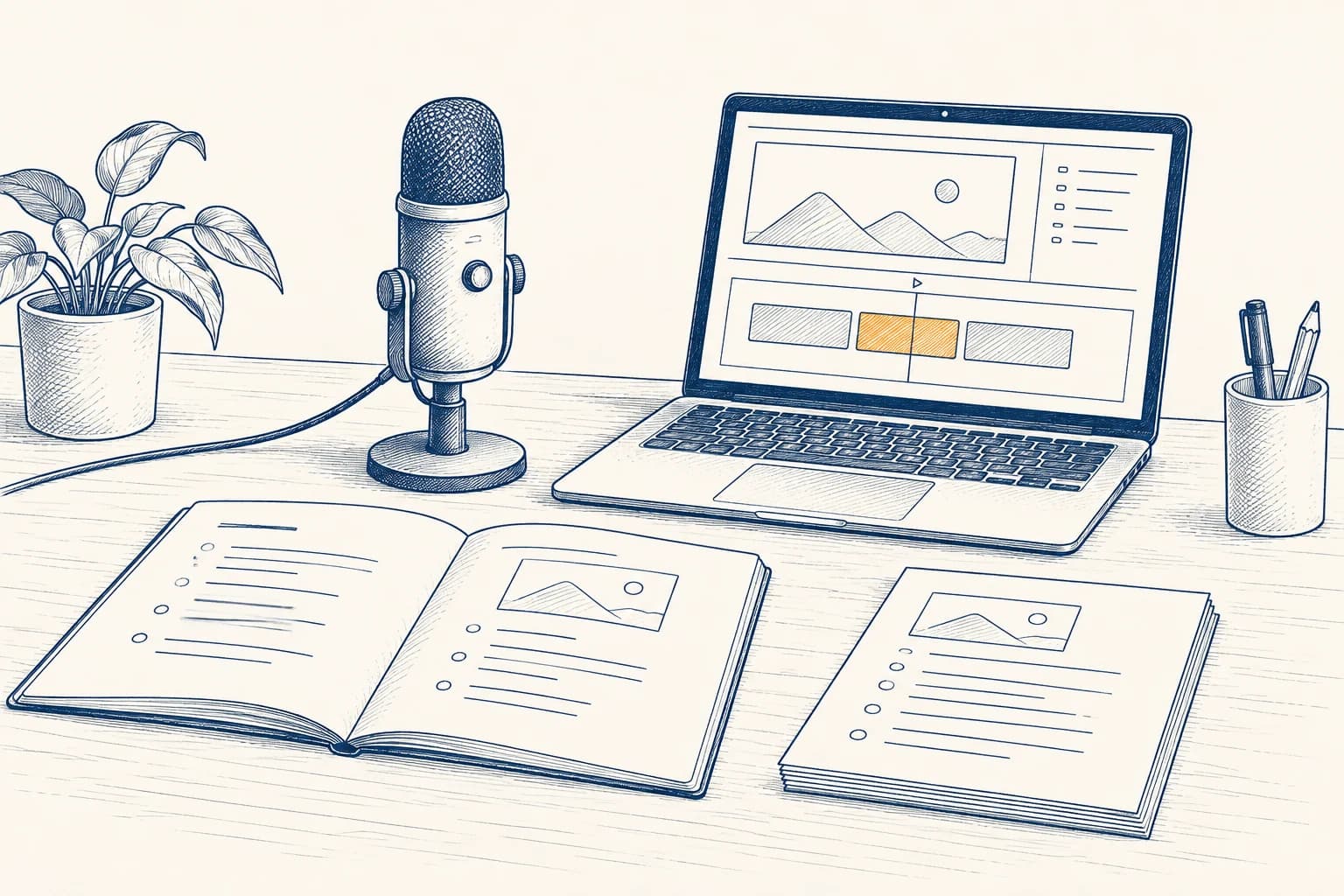
You have a course proposal and a green light to develop it. Now the work gets specific: decide what to teach, record the lessons and build the tasks that let learners use the skill.
First, be clear about that green light. Approval to start development does not, by itself, mean a college has approved the finished course or a catalog listing. Confirm what has been agreed, who reviews the work and what still needs a decision.

01 · PLAN
Turn the plan into clear lessons.
Start with the skill a learner should gain. Then split that skill into steps you can teach and show. Give each lesson one clear job. A long list of topics is a useful start, but it still needs a teaching plan.
Use the plan to find the gaps before you record. A slide deck may explain an idea well and still lack a worked example. A workshop may rely on questions you answer in the room. In a recorded course, those missing steps need a home.
- Name the outcome.Write what the learner should be able to do. Use an action you can see, such as draft, compare or check.
- Choose the example.Pick a case that shows the skill at work. Use made-up details or material you have permission to share.
- Plan the learner’s turn.Decide what the learner will try after the lesson and how they will check their work.
- Agree on the handoffs.Name who writes, records, edits and checks each piece. Set time for feedback and changes.
SkillShiftEd helps shape outcomes, lessons and assessments, then coordinates production and materials for partner review. You bring the subject knowledge. The exact work depends on what you already have and what the program needs. See how the partnership works.
Before a full recording session, review one lesson plan together. Agree on its outcome, example, practice task and scope. That gives the team a shared model for the next lessons.

02 · RECORD
Record one lesson. Check it. Then build.
Make a short sample before you record a whole course. Choose a real teaching step from the plan. The sample should show how you explain an idea, work through an example and tell the learner what to do next.
Watch it as a learner would. Can you hear each word? Can you read the screen? Does the example match the spoken steps? Fix those issues now, while the format is still easy to change.
- Prepare a speaking outline.Use plain notes that keep you on track. Explain terms when they first appear. Show the steps you might skip when speaking to another expert.
- Keep the visuals useful.Show the document, tool or example you are discussing. Make key details large enough to read without a close-up guess.
- Leave room to revise.Record in clear sections. If one step changes, the team can find the part that needs another take.
- Check the edited lesson.Review the final cut for missing steps, changed meaning and links to the right task. A clean edit still needs your subject review.
Decide how the course will handle captions, transcripts and visual details that need spoken description. W3C recommends planning these needs during production. Its audio and video guide explains the options. Confirm the course’s requirements with the review team.
You do not need to sound like a presenter reading an ad. Speak as you would to someone learning the work. Use a steady pace, give each step time and explain why a choice matters.

03 · PRACTICE
Give learners a task, then a way to check it.
A video can show the skill. A practice task gives the learner a turn. An assessment checks what they can do. Build these parts together so the task tests the skill the lesson taught.
Carnegie Mellon’s Eberly Center advises choosing assessments that match the learning goals. If the goal is to make a plan, asking someone to recall a term is not enough. See its guide to matching assessments and goals.
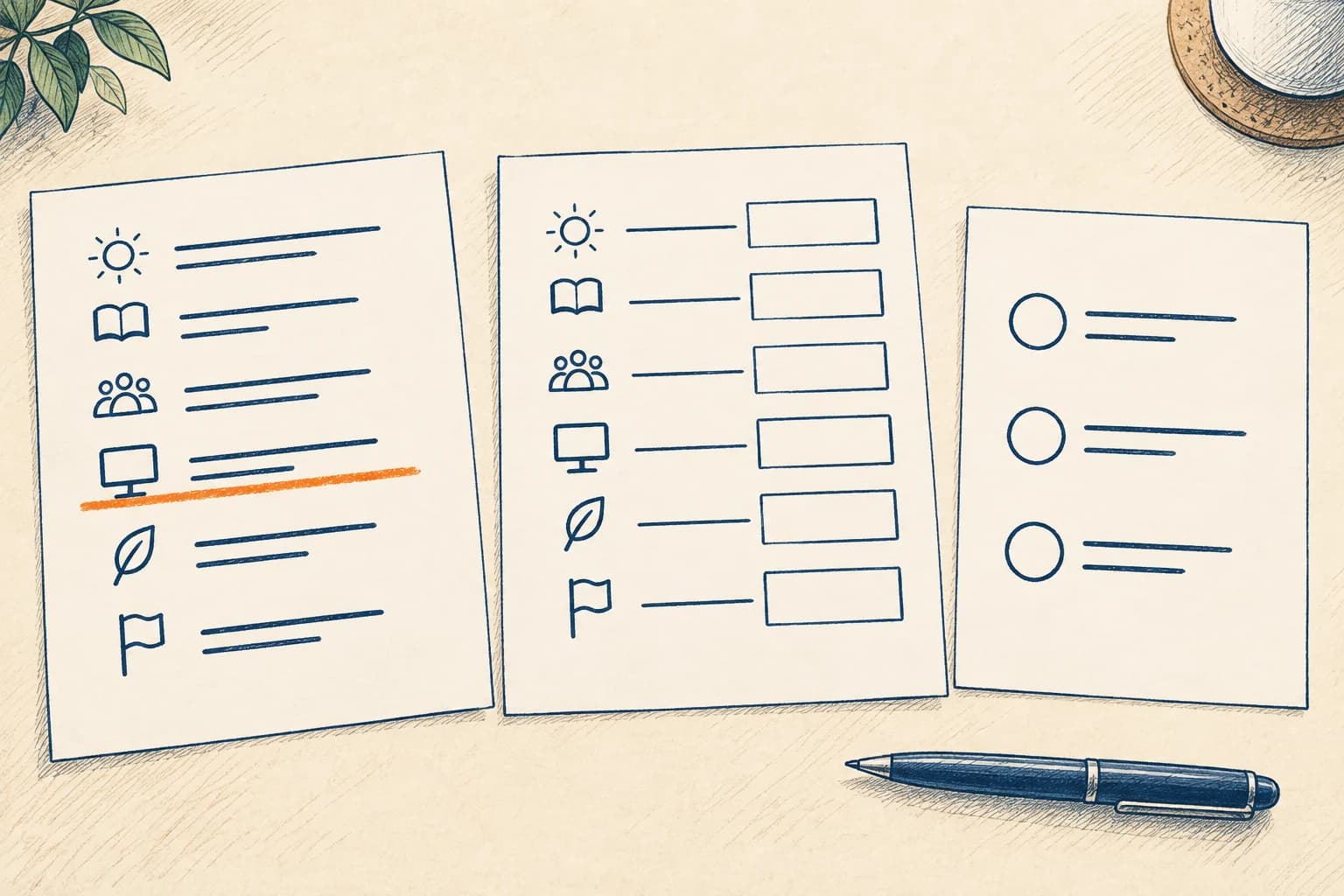
Here is a made-up lesson on planning a team meeting. It shows how the pieces can fit; it is not a claim about a live SkillShiftEd course.
- Outcome
- Draft a meeting agenda with a clear purpose, topics and a next step.
- Recorded example
- Walk through a sample agenda. Explain why each item belongs and how the order supports the purpose.
- Practice
- Give learners a new meeting brief and a blank agenda. Ask them to draft a plan, then compare it with a worked example.
- Assessment
- Use a different brief. Ask for an agenda and a short note explaining the main choices.
- Scoring guide
- Check whether the purpose is clear, the topics fit the brief and the meeting ends with a useful next step.
Write the instructions and scoring guide with the task. State what learners submit, where they submit it and how feedback works. If a person must review the work, agree on that role before the course is ready to run.

04 · REVIEW
Check the whole course before handoff.
Once the pieces are built, take the course in order. Open each lesson, try each task and check the files. Look for gaps between what the lesson says and what the learner is asked to do.
Use the college’s requested format for the review package. Keep a clear list of what is final, what is still being changed and who owns the next step. A reviewer should not have to guess which file is current.
- Teaching and accuracyCheck facts, examples, lesson order and task instructions. Make sure the promised skills are actually taught and checked.
- Media and accessReview audio, readable visuals and corrected captions. Check the agreed access features and note anything still unresolved.
- Files and linksOpen every download and link. Use clear file names and remove draft notes from learner-facing material.
- Course informationMatch the description, learner background and delivery details to the finished course. State how learners can get help.
SkillShiftEd coordinates the work to prepare and submit programs through college partners. Each partner makes its own approval, catalog and enrollment decisions. Production gets the material ready for that review; it does not replace it.
Bring your proposal, notes or sample lesson. We can discuss what you have and the work your program may need next.
Explore a course partnership
05 · QUESTIONS & ANSWERS
A few practical questions.
Do I need to record everything before speaking with SkillShiftEd?
No. You can start with an idea, notes, a book, workshops or existing lessons. Discuss the scope first so the recording plan fits the course you intend to build.
Can I use material from a course I already teach?
Bring it to the planning conversation. Review whether it fits the new learner, format and goals. Confirm permission to use any material created by someone else before including it.
How long will production take?
The work depends on the starting material, course scope and review needs. Build a schedule around concrete handoffs, including your feedback and any recordings that need another take.
Does an approved proposal mean my course is placed?
Check what the approval covers. Permission to develop a proposal and approval of a finished course are separate decisions. Each college controls its own review and catalog process.
What should I bring to the first production conversation?
Bring the course plan, examples of your teaching and a list of the material you already have. Note what still needs to be written, recorded or checked.